
Running Windows Server 2016 After End of Support: the Defensible Plan
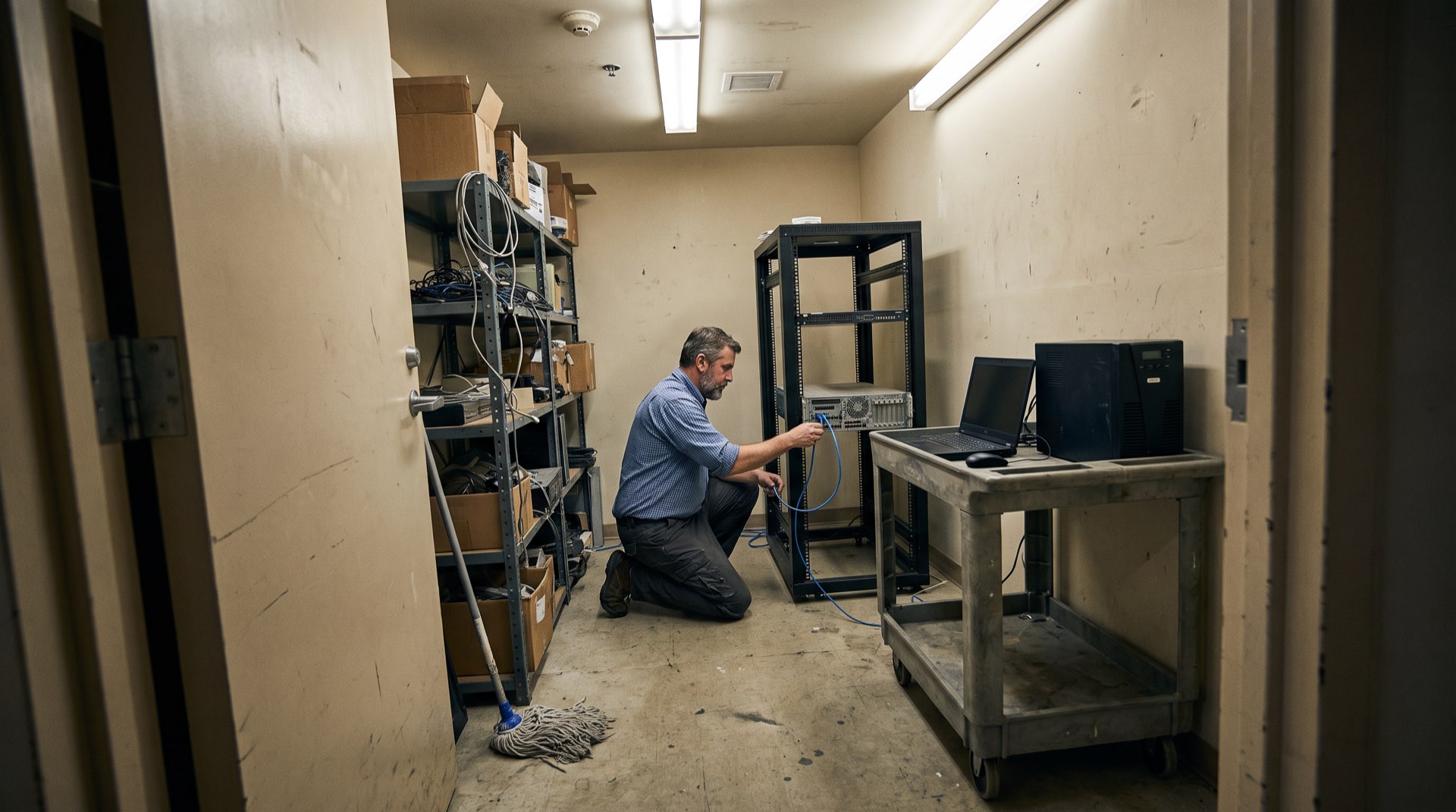
Somewhere in your server room stands the machine this article is about. It runs Windows Server 2016, it hosts the ERP or the warehouse system or the application whose vendor was acquired twice and certifies nothing newer, and it will not be migrated before 12 January 2027. Every vendor advisory says the same thing: upgrade now. This article is for the moment after you have concluded, honestly, that you can’t.
That conclusion is common. Audit data shows roughly one in five enterprise servers still running Windows Server 2016 as the deadline nears, and when Server 2012 hit its own wall, over 20% of installations sailed straight past it. The reasons are rarely negligence: 32-bit line-of-business code that fails on modern kernels, vendors who refuse to certify newer operating systems, controllers physically bound to production hardware, and budgets already committed elsewhere. What separates a defensible position from a negligent one is not whether the server stays. It is what you build around it.
All dates and version details live in our Windows Server end-of-life timeline; this guide is purely about running past the date safely.
The ESU route, honestly assessed
Microsoft’s Extended Security Updates programme is the official bridge, and for some estates it is the right one. Be clear about what you are buying. ESU delivers only patches rated Critical or Important: no bug fixes, no feature updates, no technical support. It is billed per core against the current licence list price on an escalating curve of roughly 75% in year one, 100% in year two and 125% in year three, with minimums of 8 vCores per VM and 16 cores per physical host. Coverage is cumulative: enrol late and you pay retroactively back to January 2027.
Run the numbers on a modest estate and the bridge gets expensive. A single 16-core Datacenter host totals around ≈€19,250 ($20,928) over the three years; four such hosts push past €75,000 without solving anything permanently, because ESU ends absolutely in January 2030. Two softeners exist: workloads rehosted to Azure get ESU free, and Azure Arc’s monthly billing covers Datacenter VMs at the cheaper Standard rate under the vCore model (around ≈€1,290/$1,403 for an 8-vCore VM over three years). But the structural fact stands: whether you buy ESU or not, by 2030 the server must be gone or contained. ESU changes when you need containment, not whether.
The compensating-controls playbook
When patching stops, security engineering standards are explicit about what replaces it. NIST SP 800-40r4 requires formal risk responses for unpatchable systems; CISA lists unsupported software in internet-reachable positions among its cardinal bad practices; and NIS2 expects documented compensating measures. Ranked by how much attack surface each removes:
| Control | What it mitigates | What it does not cover |
|---|---|---|
| 1. Identity-gated ZTNA with application cloaking (no inbound listening ports) | Unauthenticated reconnaissance, remote code execution against exposed services, worm propagation | Malicious actions inside an authorised, authenticated session |
| 2. Full internet severance (null-routed gateway, no public IP, internal-only DNS) | Command-and-control beaconing, payload delivery, data exfiltration, botnet recruitment | Attacks originating from a compromised internal host |
| 3. Micro-segmentation and protocol brokering (RDP/SMB terminated at a gateway) | Subnet-wide lateral movement, pass-the-hash, direct protocol exploits | Application-layer flaws (e.g. SQL injection) reachable by authorised users |
| 4. Just-in-time admin access with MFA, no standing privileges | Credential dumping, credential reuse, privilege escalation; MFA neutralises over 99% of automated credential attacks | Hypervisor-layer vulnerabilities beneath the guest OS |
| 5. East-west traffic monitoring and off-host logging | Undetected dwell time, internal scanning, unauthorised changes | Detective only: does not block inline without orchestration |
| 6. Immutable, air-gapped backups outside Active Directory | Ransomware encryption and destructive wipes (recovery) | Exfiltration that happened before the incident |
The ranking matters more than the list. Endpoint tooling and backups are necessary, but they are the lower tiers: endpoint protection cannot repair kernel-level flaws in an OS that no longer receives kernel patches. The controls that change the risk category are the top three, and they share one principle: the server stops being reachable as a network citizen.
Why VLANs are not isolation
The standard advice, “put it on its own VLAN”, fails at exactly the moment it is needed. A VLAN filters traffic between subnets, but the legacy server still listens: TCP 3389 for RDP, TCP 445 for SMB, whatever its applications expose. Compromise any machine that is allowed to talk to that segment (a workstation, the backup server, a jump box) and the attacker faces those open ports directly, pre-authentication, on a kernel that will never be patched again. Firewall rulebases guarding such segments also rot: exceptions accumulate, and each one is a corridor. This is the gap between segmentation and isolation we unpacked in from VLANs to identity-based isolation, and it is how real intrusions unfold in practice: not through the front door, but sideways, using the lateral movement techniques that flat internal networks make cheap.
What zero-trust isolation actually looks like
The architecture that closes those corridors follows NIST SP 800-207’s zero-trust model, and it inverts the connection logic. The legacy server initiates a single outbound, encrypted tunnel from a lightweight connector to a policy enforcement point. Nothing connects inbound, ever: the host firewall drops all inbound traffic, the default gateway is null-routed, and a network scan of the segment shows nothing there at all. The server is cloaked.
Users who need it authenticate first, against your identity provider with MFA and device posture checks, and are then brokered into specific applications rather than onto the network. Legacy protocols are translated at the broker: an administrator’s RDP session arrives as a sandboxed, encrypted stream, and the server never receives a raw packet from the client. Access is per-application least privilege; nobody, including admins, holds a routable path to the operating system. This is precisely what Jimber’s ZTNA network isolation does, agentless for the users, with the connector as the only footprint on the legacy side. It replaces the classic bastion approach whose weaknesses we compared in jump servers vs ZTNA: a jump host is itself a listening, patchable, credential-rich target, and a broker is not.
Conceptually this is old wisdom applied to IT: industrial security has isolated unpatchable controllers behind zones and conduits for decades. The isolated Windows Server 2016 becomes an enclave with one authenticated doorway, exactly like a PLC behind an IEC 62443 conduit.
Is that NIS2-compliant? The honest answer
NIS2 does not ban end-of-life software. Article 21 demands risk management appropriate to the state of the art, and both the implementing regulation and Belgium’s CyFun framework explicitly recognise compensating controls where patching is impossible. DORA goes the same way for financial entities: Article 8(7) requires legacy ICT systems to be risk-assessed at least annually, not summarily destroyed. What regulators, and increasingly cyber insurers, will not accept is the same server sitting unsegmented on the corporate LAN with a shrug.
The difference is evidence. A defensible file for an isolated legacy server contains five things: the asset-register entry with its lifecycle status; a written risk assessment; the business justification for retention; the technical specification of the isolation (architecture diagram, firewall exports, broker policies); and a board-signed risk acceptance with a review date within twelve months. An auditor who finds that file, and verifies the server answers to nothing but the broker, finds a managed risk. An insurer’s forensic team that finds it after an incident finds a reason to pay the claim rather than void the policy. Be honest about the line, though: isolation without documentation is invisible to an audit, and documentation without real isolation is theatre. You need both.
The counterarguments, taken seriously
“ZTNA is more complex than my VLANs.” The complexity comparison flips over time. VLAN isolation is simple on day one and fragile ever after: every new exception widens the corridor, and the rulebase becomes its own risk. A broker model needs no perimeter re-architecture (the connector only dials out) and its policies read as “who may use which application”, which survives audits and staff turnover better than firewall line 400.
“ESU is simpler; we’ll just pay.” For a funded two-year migration, ESU alone can be reasonable. But ESU patches only Critical and Important flaws, leaves the server fully routable, and terminates in January 2030. The combination worth considering is ESU plus isolation: patches for what Microsoft still fixes, containment for what it no longer will, and a soft landing when ESU ends.
“We’ll rehost it to Azure.” That earns free ESU, which is real money. It does not change the security posture: the same vulnerable OS now runs in a cloud VNet, and unless access is identity-gated and routing severed, lateral movement works in Azure exactly as it did on-premises. Rehosting is a licensing decision; isolation remains the security decision.
“An isolated server still rots.” Correct, and worth saying plainly: runtimes age, third-party agents lose support, and technical debt accrues. Isolation does not make the server good; it makes the server unreachable while it is bad. It converts an emergency into a scheduled migration on your timeline, which is all a compensating control ever promises.
Contain it now, migrate it on your terms
If Windows Server 2016 will outlive its January 2027 deadline in your estate, the defensible sequence is short: inventory the affected servers, decide per server between ESU-bridge and keep-and-isolate, put the isolation in place before the date rather than after the incident, and write the risk acceptance down. Jimber’s EU-sovereign SASE platform does the containment part in days, not months: agentless ZTNA network isolation that cloaks the server, brokers RDP and SMB behind MFA, and produces the access logs your auditor and insurer will ask for, at a predictable flat rate. Book a demo and bring your worst legacy server; we will show you what its isolated life looks like. You can also talk to us about sequencing isolation ahead of a longer migration roadmap.
Frequently asked questions
What happens if I run Windows Server 2016 past January 2027 without ESU?
The server keeps running, but every vulnerability Microsoft discovers after 12 January 2027 remains permanently unpatched on it. Without compensating controls it becomes a growing liability: a target for lateral movement, a critical audit finding under NIS2, and a likely exclusion trigger on cyber insurance policies.
Can I buy ESU for year two or three only?
No. The programme is cumulative: enrolling in year two requires retroactively paying for year one, and year three requires all three years. Late enrolment through Azure Arc triggers immediate back-billing to the original end-of-support date, so waiting does not reduce the cost.
How is ZTNA different from a jump server for legacy access?
A jump server sits on the network with its own open ports (RDP or SSH) and cached credentials, making it a prime target. A ZTNA broker accepts no inbound connections at all: the legacy host dials out to the broker, users authenticate with MFA first, and sessions are delivered as sandboxed streams per application.
What evidence does a NIS2 or DORA auditor expect for an unsupported server?
Five items: the asset-inventory entry with lifecycle status; a formal risk assessment; the business justification for retention; technical proof of compensating controls such as architecture diagrams, firewall exports and access policies; and a signed executive risk acceptance with a review date no more than twelve months out.
Why isn’t a separate VLAN enough isolation?
A VLAN still leaves the server listening on open ports to every device allowed into the segment. One compromised workstation, backup server or jump box gives an attacker a direct, pre-authentication path to an OS that will never be patched again. Isolation means no inbound reachability at all, not filtered reachability.
Does endpoint protection alone make an unsupported server safe?
No. Endpoint protection adds behavioural detection but cannot repair unpatched kernel flaws, deprecated cryptographic protocols or architectural weaknesses in legacy services. It belongs in the stack as a detective layer, combined with network isolation that removes the exploit delivery path altogether.
How does protocol brokering protect unpatched RDP and SMB?
The broker terminates the raw RDP or SMB stream at the gateway and re-delivers the session to the user as an encrypted, sandboxed stream, typically HTML5. The legacy server never receives a direct TCP packet from the client, so protocol-level exploits are stopped before they reach the unpatched network stack.
Will third-party software on the server keep receiving updates?
Generally no. Once an operating system leaves support, database, backup and application vendors progressively stop supporting their products on that kernel, so the unpatched surface grows over time. That is a further argument for isolation: it shields not only the OS but everything ageing on top of it.