
WatchGuard End-of-Life: Firebox Timelines and Your Migration Options
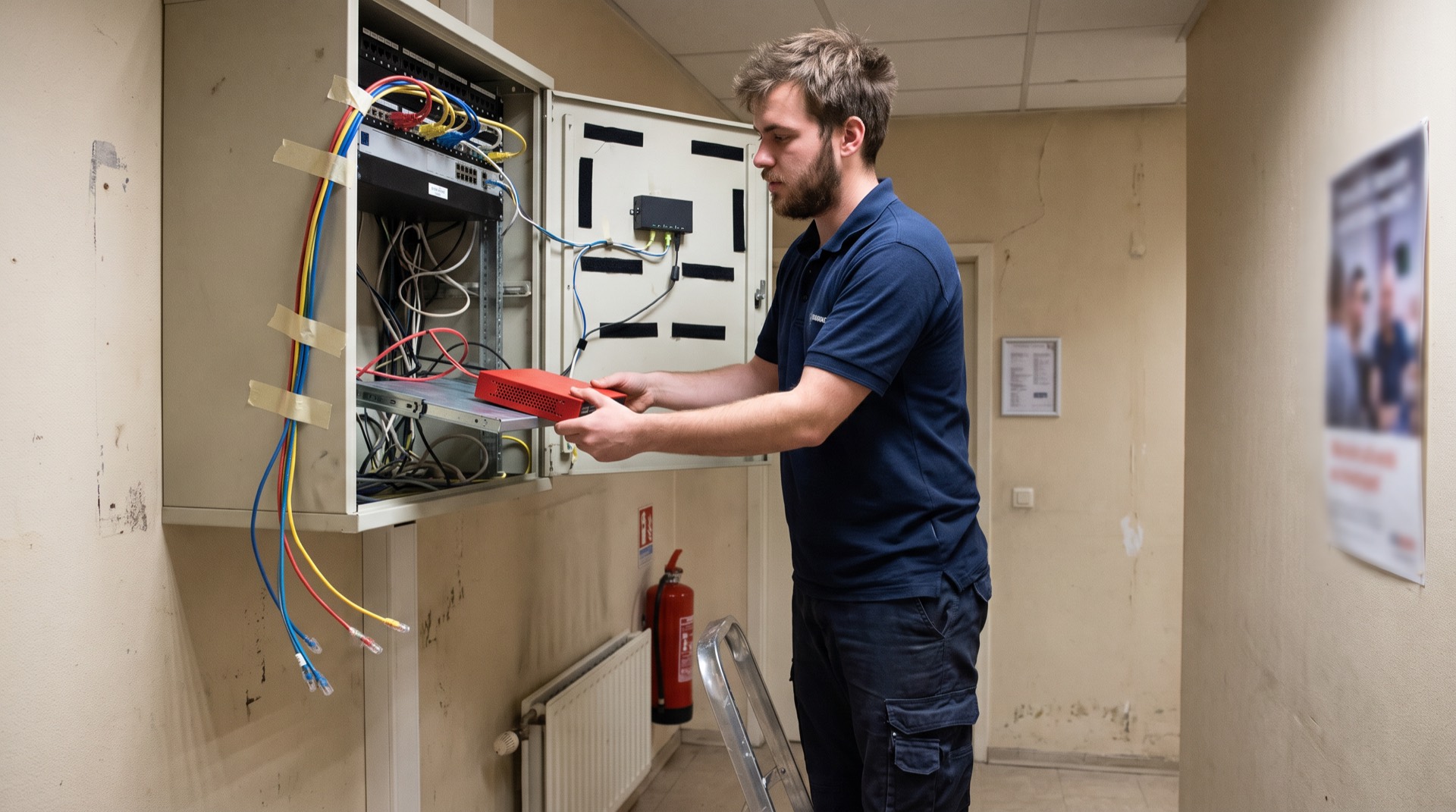
If your network edge runs on a WatchGuard Firebox T35, T55 or T70, here is the uncomfortable fact: those models reached end of life on 31 December 2025. They have received no security patches, no signature updates and no technical support for over half a year. And the queue behind them is long: the T15 follows on 1 March 2027, and the entire M270–M670 rackmount generation goes dark on 1 July 2028.
WatchGuard has earned its place in the European SMB and mid-market channel: solid appliances, sold and managed through a reseller and MSP ecosystem that works. But every Firebox carries a retirement date, and WatchGuard’s own end-of-life list gives you the dates without telling you what they mean operationally, or what your alternatives are when the date arrives. This guide fills that gap: every published Firebox timeline, what actually stops working at each milestone, the security record that makes the dates matter, and the decision every WatchGuard shop eventually faces: the next Firebox, or no box at all. It completes our vendor end-of-life series alongside Sophos UTM, SonicWall and the FortiGate hardware timeline.
WatchGuard’s lifecycle policy, decoded
Two milestones govern every WatchGuard product. End of sale (EOS) is the last date distributors can order the appliance from WatchGuard; an official intent announcement precedes it by at least 60 days. End of life (EOL) follows up to five years later and terminates everything: firmware maintenance, security patches, technical support and subscription renewals.
Between the two, the appliance remains supported but on a narrowing track: software work is limited to critical bugs and security hotfixes, and WatchGuard applies commercial pressure as the date nears; the retiring T35/T55/T70 generation saw renewal surcharges of up to 16% in their final stretch.
What happens at EOL is more abrupt than most admins expect, because a Firebox’s security value lives in its subscriptions. The cloud intelligence feeds stop synchronising with retired serial numbers, freezing Gateway AntiVirus, IPS, WebBlocker and botnet-detection signatures at their last state. Feature keys, the signed licences that activate UTM functions, expire without a renewal option, reverting the box towards basic packet filtering. And modern Fireware releases (12.12 and the new year-based 2025.x/2026.x branches) drop support for older hardware entirely, leaving kernel-level flaws permanently unpatched. The box still routes; it just stops defending.
The Firebox end-of-life timeline
Last verified: August 2026.
Already retired: no patches, no support
All XTM-series models, the WatchGuard SSL 100/560 VPN appliances and XTMv virtual editions reached end of life by 31 December 2023. Among Fireboxes, the T10, T30, T50, M200, M300, M400 and M500 followed on 30 June 2023, the T10-D and M440 on 1 November 2024, and the high-volume T35, T35-W, T55, T55-W and T70 on 31 December 2025. If one of these is still your edge, you are running an unsupported perimeter today.
Upcoming end-of-life dates
| Model | End of sale | End of life | Official migration path |
|---|---|---|---|
| Firebox T15 / T15-W | 1 Mar 2022 | 1 Mar 2027 | Firebox T115-W |
| Firebox T35-DW / T35-R | 1 Jul 2023 | 1 Mar 2027 | Firebox T125(-W), T145(-W) |
| Firebox M4600 | 1 May 2023 | 1 May 2028 | Firebox M695, M4850 |
| Firebox M5600 | 1 Jun 2025 | 1 May 2028 | Firebox M4850, M5850 |
| Firebox T20 / T20-W | 1 Jul 2023 | 1 Jul 2028 | Firebox T115-W, T125(-W) |
| Firebox T40 / T40-W | 1 Jul 2023 | 1 Jul 2028 | Firebox T125, T145(-W) |
| Firebox T80 | 1 Jul 2023 | 1 Jul 2028 | Firebox T145, T185 |
| Firebox M270 / M370 / M470 / M570 / M670 | 1 Jul 2023 | 1 Jul 2028 | Firebox M295, M395, M495, M595, M695 |
| Firebox T45 / T45-PoE / T45-W-PoE | 1 Apr 2025 – 1 Apr 2026 | 1 Jul 2031 | Firebox T145(-W) |
| Firebox T25 / T25-W | 1 Dec 2025 / 1 Apr 2026 | 1 Jul 2031 | Firebox T125(-W) |
| Firebox T85-PoE | 1 Oct 2025 | 1 Jul 2031 | Firebox T185 |
| Firebox M590 / M690 | 1 Jun 2026 | 1 Jul 2031 | Firebox M495, M595, M695 |
| Firebox M290 | 1 Aug 2026 | 1 Jul 2031 | Firebox M295 |
Source: WatchGuard’s official End of Life policy page, which is the permanent reference for these dates. Software retirements follow their own track: the Fireware Data Loss Prevention engine was deprecated and removed from feature keys on 26 February 2025, and the standalone AuthPoint Password Manager retires on 25 September 2025. Note that the M290’s end of sale (1 August 2026) has just passed: its five-year countdown is running.
Why the dates matter: the Firebox security record
Perimeter appliances are the most targeted hardware category in the mid-market, and WatchGuard has not been spared. The defining episode is Cyclops Blink: in February 2022, a joint advisory from CISA, the FBI, the NSA and the UK’s NCSC revealed that Sandworm, the Russian GRU-linked group, had built a global botnet primarily out of WatchGuard Firebox appliances. The malware survived reboots and factory resets by writing itself into the firmware update mechanism; remediation required a special detection tool and a full firmware reflash. Its initial access route, the unauthenticated remote-code-execution flaw CVE-2022-26318, entered CISA’s Known Exploited Vulnerabilities catalogue in March 2022.
The pattern did not end there. CVE-2022-23176 allowed authenticated users to escalate to full administrative sessions. And in November 2025, CVE-2025-9242 landed in the KEV: a critical out-of-bounds write in Fireware’s IKEv2 daemon, exploitable by an unauthenticated attacker with a malformed packet, with over 115,000 devices estimated exposed at disclosure. None of this makes WatchGuard unusually careless; it makes the structural point that every vendor’s edge appliances share. A firewall must listen on public ports (UDP 500/4500 for VPN, 443 for management) before any authentication happens, and it sits at Layer 3 with reach into every internal subnet. On a supported Firebox, each of these flaws got a patch. On a Firebox past its EOL date, the next one never will. That is the industry-wide story we track in our legacy VPN end-of-life watchlist and the SSL VPN deprecation timeline.
For European organisations there is also a compliance floor. NIS2’s duty of care and Belgium’s CyFun framework, which states plainly that unsupported hardware without documented exception is unauthorised, turn an EOL Firebox from a technical debt item into an audit finding, and insurers increasingly treat it as grounds to contest claims.
The refresh fork: next Firebox or no box?
When your model’s date approaches, WatchGuard’s answer is the Trade Up programme: up to 25% off current-generation hardware bundled with multi-year Total Security Suite contracts. Indicative street pricing for the successors: a Firebox T125 with one year of Basic Security Suite around ≈€415 ($450); the Wi-Fi 7 T115-W around ≈€605 ($660); a T145 with a three-year Total Security bundle around ≈€2,200 ($2,395). Activating the Trade Up SKU permanently retires the old serial number, which also means the old unit cannot serve as a burn-in spare during cutover.
The refresh is familiar and channel-supported. What it does not change is the architecture: the new Firebox listens on the same public ports, needs the same emergency patch windows, hairpins the same remote-work traffic through the office, and carries its own EOL date already ticking. The alternative is to move the Firebox’s functions (firewalling, remote access, web filtering, site-to-site connectivity) to a cloud-delivered SASE platform:
| Dimension | Successor Firebox (T125 / T145 / M295) | Cloud-delivered SASE / ZTNA |
|---|---|---|
| Inbound attack surface | Public IP with listening VPN and management ports | No inbound ports; outbound-only connectors to a broker |
| Remote access | Mobile VPN: network-level tunnel, broad subnet reach | Per-application, identity-gated least privilege |
| Patching | Fireware updates, reflashes and emergency CVE windows: your job | Vendor-managed cloud platform |
| Multi-site | Branch Office VPN mesh to configure and maintain | Sites join one cloud fabric |
| Lifecycle | New EOS/EOL countdown every cycle | No appliance to retire |
For a broader look at the remote-access side of this choice, see our comparison of VPN alternatives for business.
The MSP angle
Most Belgian and European WatchGuard estates are run by MSPs, and the refresh conversation is really a channel conversation. Trade Up margins reward selling the next box, but the economics of managing fleets of edge appliances are deteriorating: emergency patch cycles like the Cyclops Blink reflash procedure are unbillable labour, and every deployed Firebox is a truck-roll waiting to happen. A growing group of service providers is shifting from reselling hardware to delivering managed SASE, one cloud platform, multi-tenant, no firmware fleet, a model we described in how MSPs deliver managed SASE without tool sprawl. If you are the customer, it is worth asking your MSP which future they are pricing you into. If you are the MSP, Jimber’s partner model was built for exactly this transition.
The case for staying with WatchGuard, taken seriously
“WatchGuard Cloud gives us one console for firewall, MFA and endpoint protection.” True, and the unified management is genuinely good. But the console is the control plane; traffic still flows through the local appliance’s daemons, and CVE-2025-9242 executed at root before any cloud telemetry could object. A unified dashboard does not shrink the attack surface of the box beneath it.
“Trade Up discounts make the refresh cheaper than a SASE subscription.” On hardware acquisition, often yes. Add the total cost of ownership (subscription renewals that surcharge as models age, patch labour, HA pairs, rack power, and the guaranteed repeat purchase in the next cycle) and the flat-rate platform comparison looks different. Bundles also lock the serial retirement in, foreclosing resale or spare use.
“We’re a smaller target than Fortinet or Cisco shops.” Cyclops Blink is the direct refutation: a state actor chose WatchGuard appliances precisely because SMB and mid-market edges are patched later and monitored less. Botnet scanners sweep the whole IPv4 space; they do not check market share first.
“Migrating years of Fireware config is too risky.” The honest reply is that config migration is painful in both directions. Policy Manager’s model migration between Firebox generations remaps interfaces and drops rules that need manual auditing anyway. If you must rebuild policy, rebuilding it as identity-based application access, rather than another decade of accumulated firewall exceptions, is the version of the work that pays down debt instead of rolling it forward.
Check your model, then decide the next five years
Look up your Firebox in the table. If it reads T35, T55 or T70, you are past the line and the decision is urgent. If it reads T20, T40, T80 or M-series 2028, you have a comfortable runway, and runway is exactly what a considered migration needs. Either way, the real question is not which box comes next but whether a box should come next at all. Jimber replaces the Firebox’s functions with one EU-sovereign SASE platform: ZTNA network isolation, secure web gateway, firewall-as-a-service and SD-WAN, agentless for users, at a predictable flat rate, with no serial number that ever reaches end of life. Book a demo and we will map your Firebox estate against a concrete migration plan, or start with how the platform works.
Frequently asked questions
Can I still renew security subscriptions on an end-of-sale Firebox?
Yes. Between end of sale and end of life, Total Security and Basic Security Suite renewals remain available, though WatchGuard has applied surcharges of up to 16% on renewals for models nearing retirement. After the end-of-life date, renewals stop entirely and feature keys can no longer be extended.
Does a Firebox stop working on its end-of-life date?
No, and that is the trap. The appliance keeps routing traffic on its last configuration, but signature updates for Gateway AntiVirus, IPS and WebBlocker freeze, new vulnerabilities go permanently unpatched, and technical support is refused. It looks operational while its security value drains away.
What replaces the Firebox T35, T55 and T70?
WatchGuard designates the current tabletop generation as successors: the Firebox T125 or T145 for T35 and T55 deployments, and the T145 or T185 for the T70. Wireless variants map to the T125-W and T145-W. The alternative is replacing the appliance’s functions with cloud-delivered SASE rather than new hardware.
When does the Firebox M290 reach end of life?
The Firebox M290 reached end of sale on 1 August 2026 and reaches end of life on 1 July 2031, with the M295 as its designated successor. Until then it remains fully supported, making it one of the longer-runway models in the current line-up.
Can I transfer licences from a retired Firebox to a new one?
Through the Trade Up programme, yes: activating the Trade Up SKU applies the newly purchased subscription bundle to the replacement and permanently retires the old serial number. Standalone licences on retired hardware do not transfer across generations without an explicit vendor exception.
What happened to Fireware’s Data Loss Prevention service?
WatchGuard deprecated the DLP engine and removed it from all Firebox feature keys on 26 February 2025. Configuration options have disappeared from current Fireware interfaces, so organisations relying on gateway DLP need an alternative control regardless of their hardware’s lifecycle status.
Is running an end-of-life Firebox a NIS2 compliance problem?
Yes. NIS2 Article 21 requires active vulnerability management, and Belgium’s CyFun framework explicitly classifies unsupported hardware without a documented exception as unauthorised. An EOL Firebox at the perimeter is a standing audit finding and gives cyber insurers grounds to contest claims after an incident.
How does ZTNA replace WatchGuard Mobile VPN?
Mobile VPN requires the Firebox to expose listening ports to the internet and grants authenticated users broad network access. ZTNA inverts both: outbound-only connectors mean nothing listens publicly, and users are brokered into specific applications after identity and MFA checks, so a compromised account no longer means a compromised subnet.